
Groovebox
Groovebox: Save tracks for your team
Groovebox saves your tracks. Everyone in the organization can open and edit them.
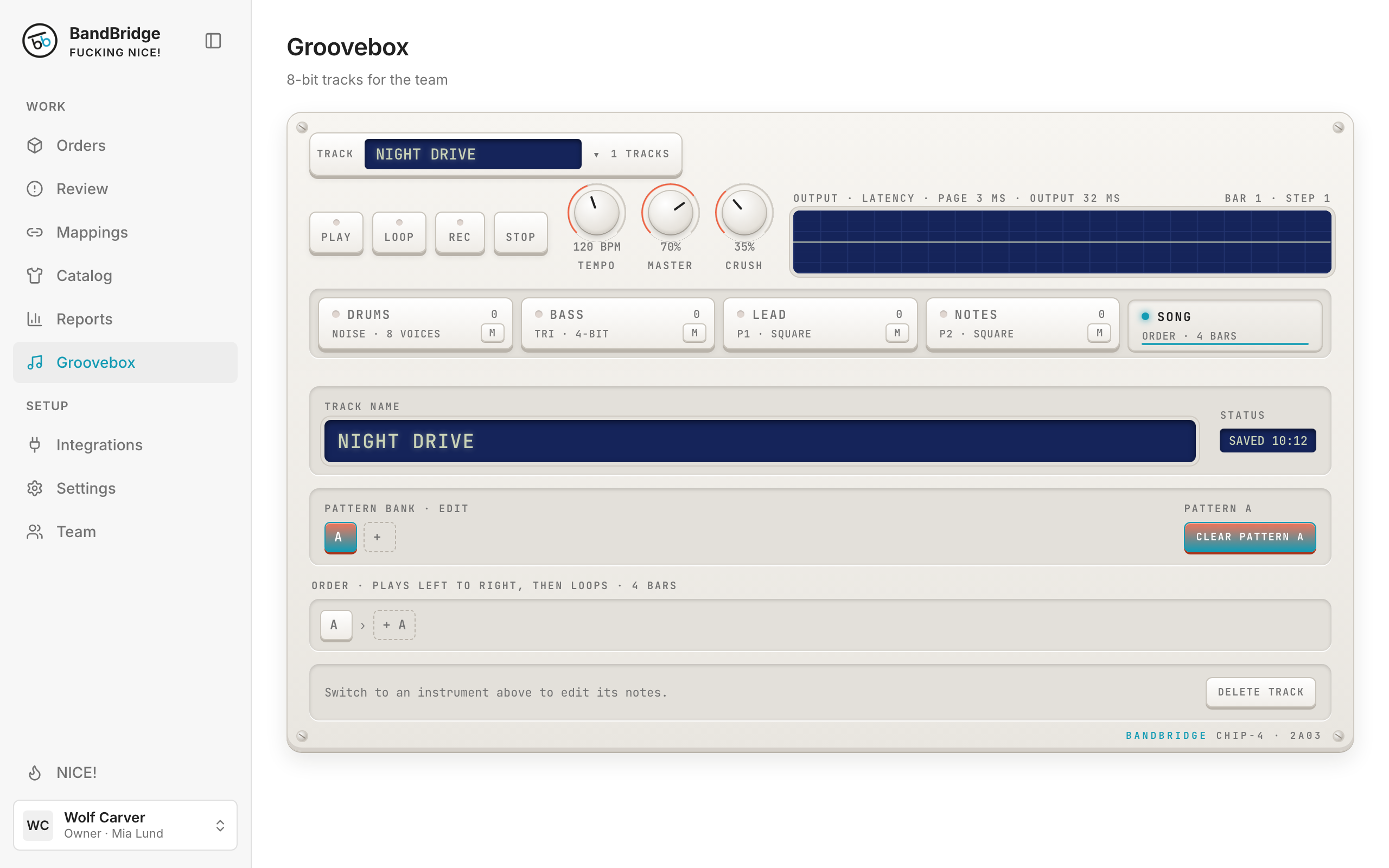
- 1Click SONG to show the track name and the save status.
- 2Click the name field and write a track name. SAVED shows when the track is safe.
- 3Click the track name at the top to open another track or select + New track.