
Orders
Orders: See the Printful status of each order
The Status column shows the status from Printful as text. BandBridge updates it when Printful changes the order.
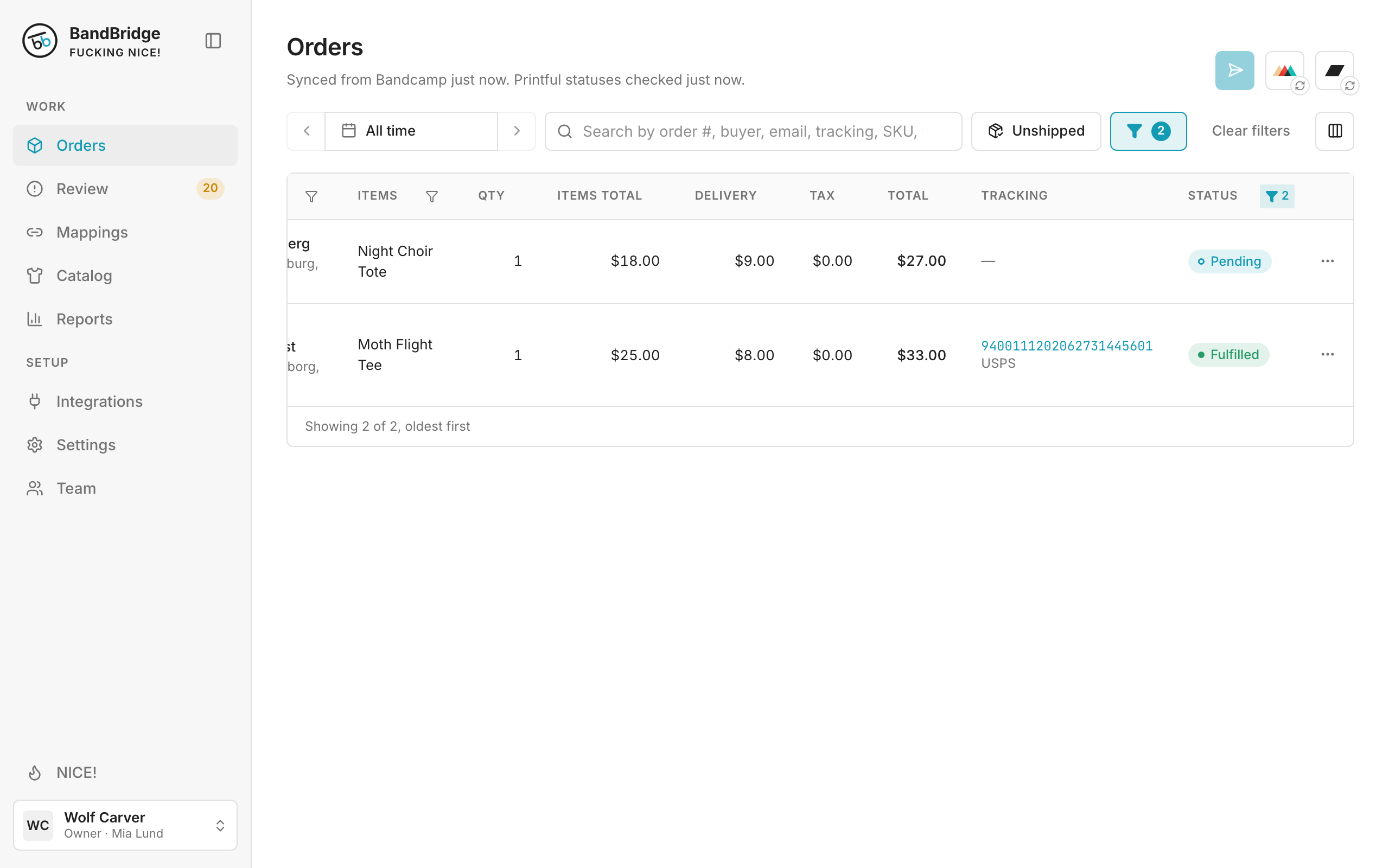
- 1Pending shows that Printful did not start the order.
- 2Fulfilled shows that Printful shipped the order.
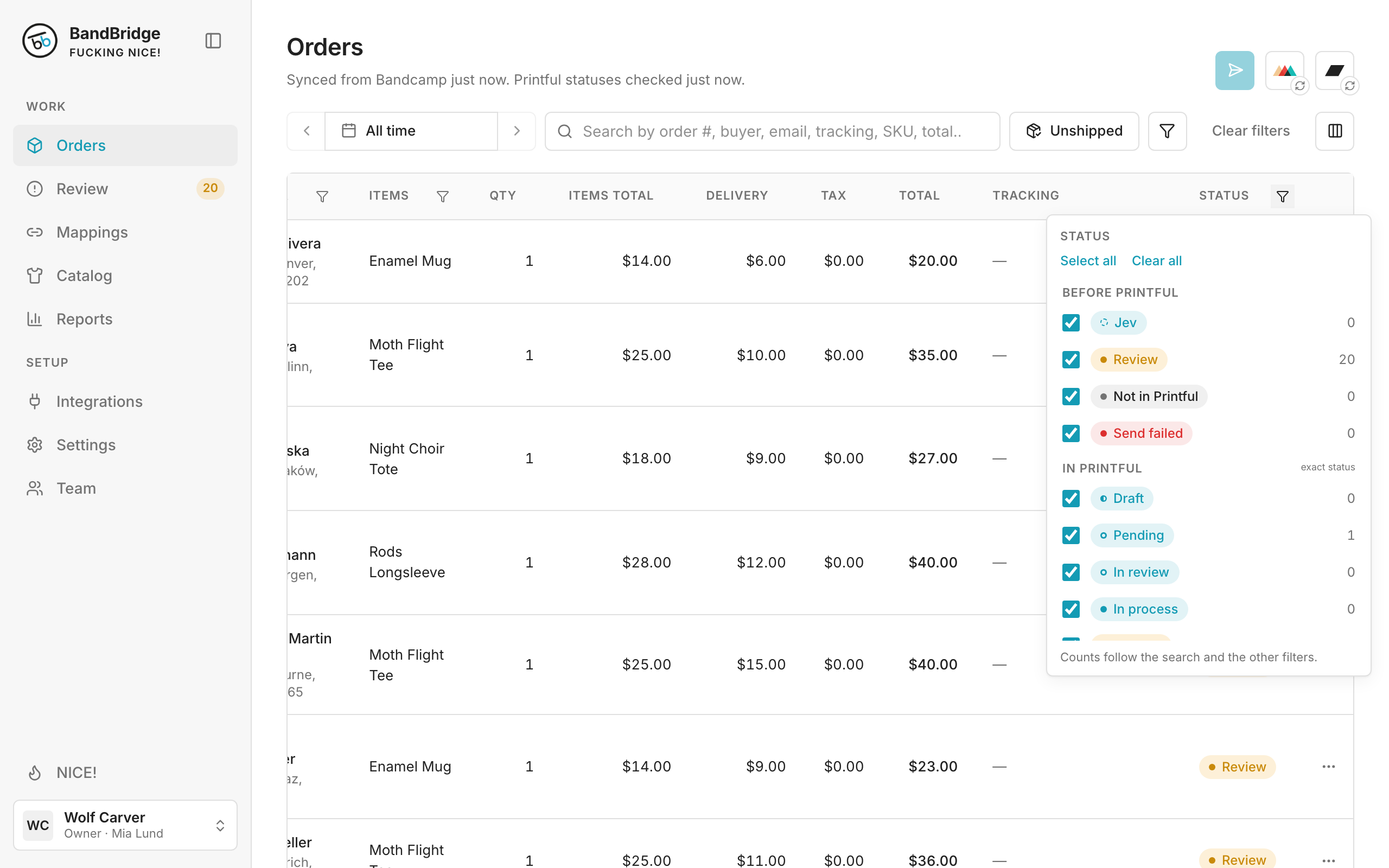
- 3Click the filter in Status to select Printful statuses under In Printful.
- 4Not in Printful shows orders that you did not send yet.