
Team
Team: Invite people and give them a role
You invite people to your organization by email. A member works with orders. An admin also connects services and invites people.
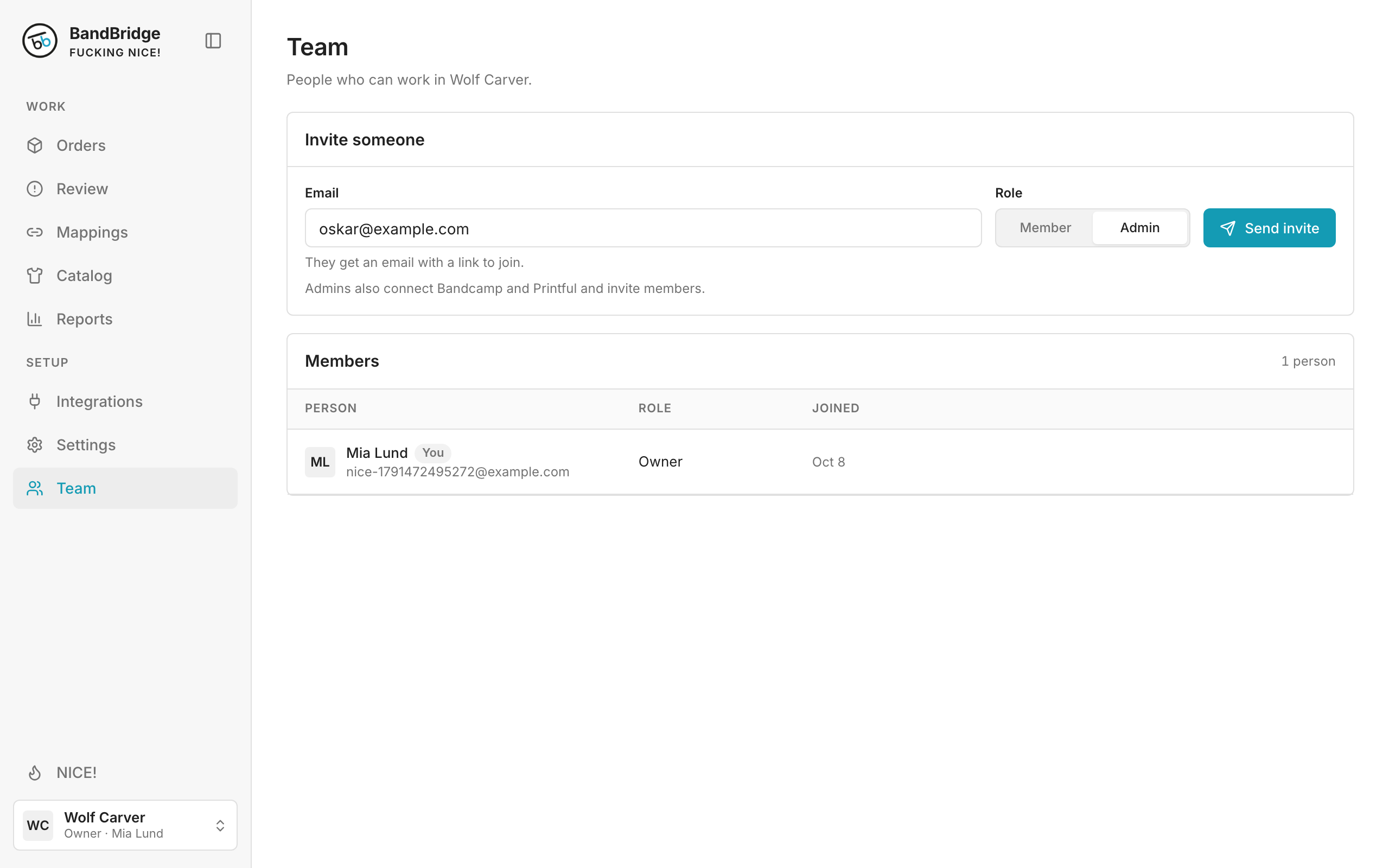
- 1Type the email of the person in Email.
- 2Select the role: Member or Admin.
- 3Click Send invite.
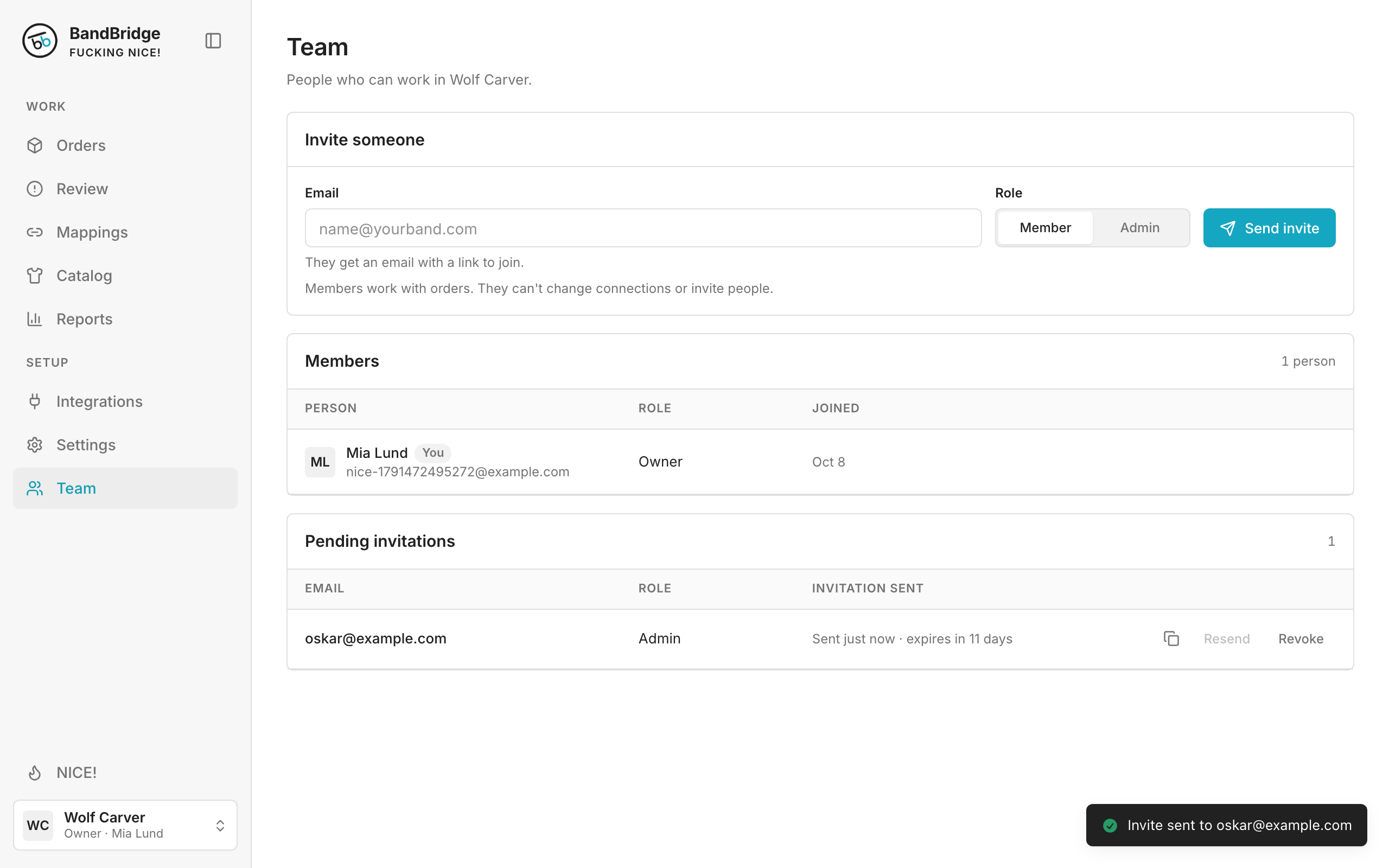
- 4Click Copy invite link to send the invitation in a different way.