
General
General: Sign in and create your organization
You sign in with Google or with a link in your email. An organization holds your orders, connections and team.
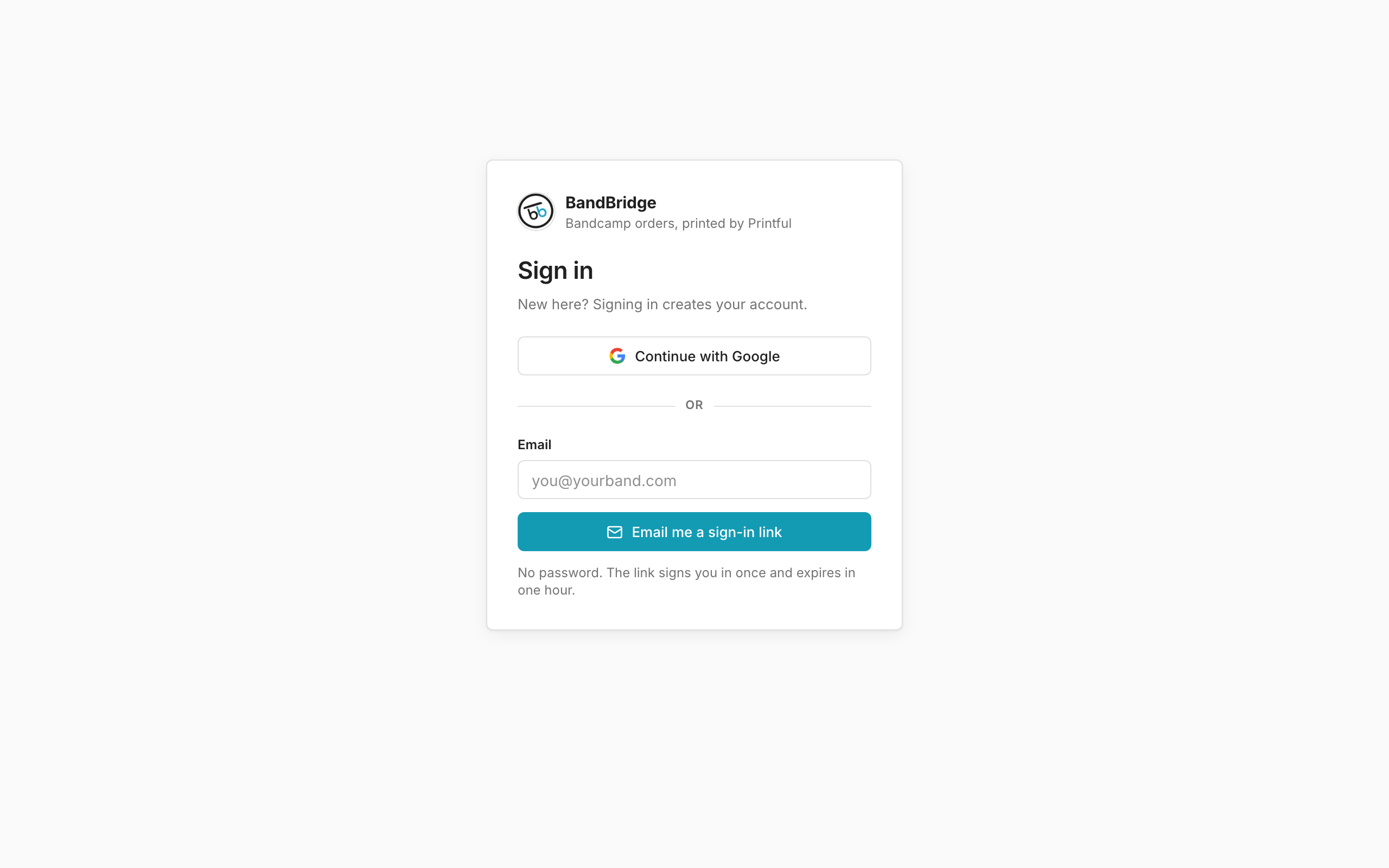
- 1Click Continue with Google to sign in with your Google account.
- 2Or type your email. Click Email me a sign-in link.
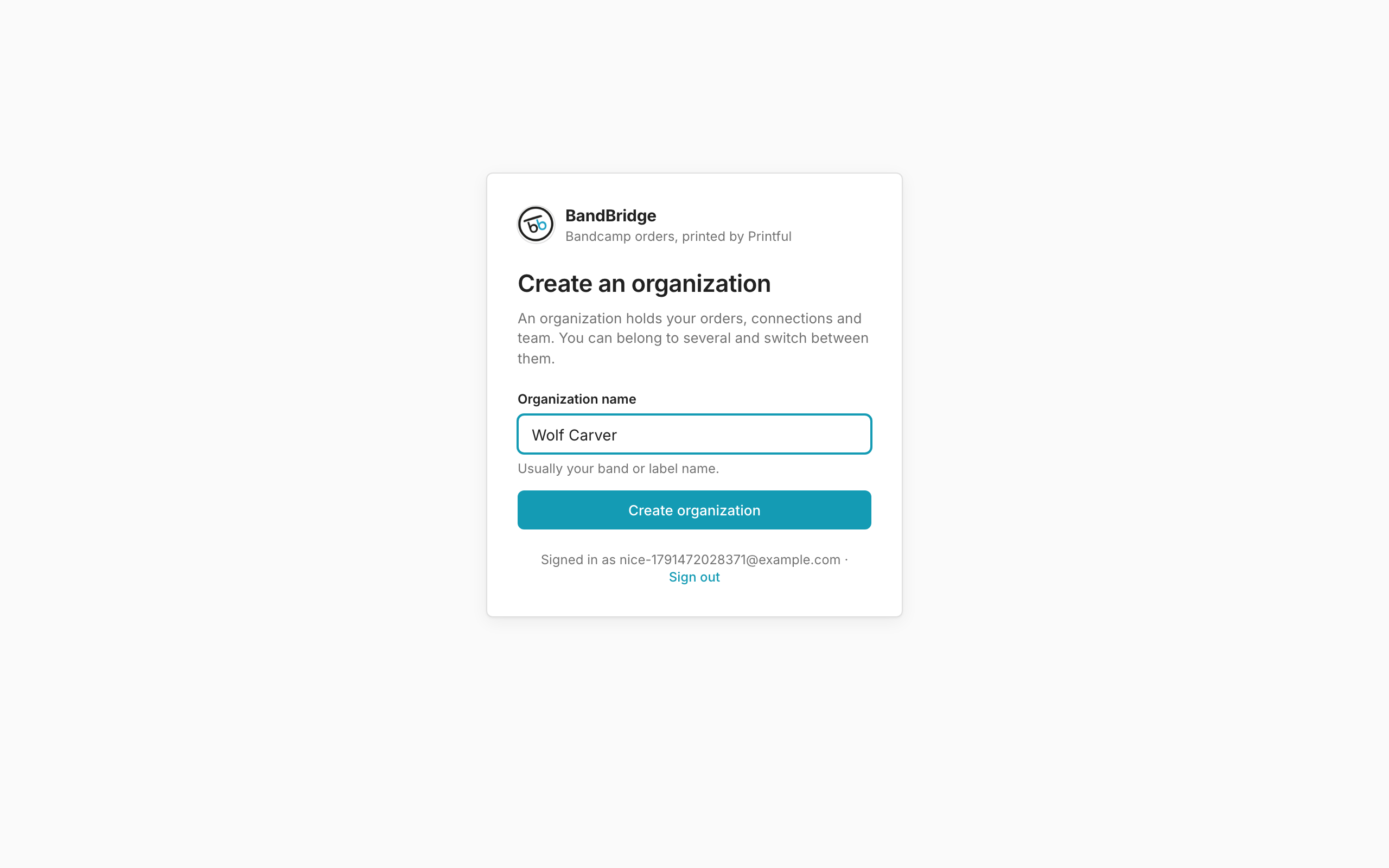
- 3Type the name of your band or label in Organization name.
- 4Click Create organization. BandBridge opens your orders.